◎
01Smart inventory at the core
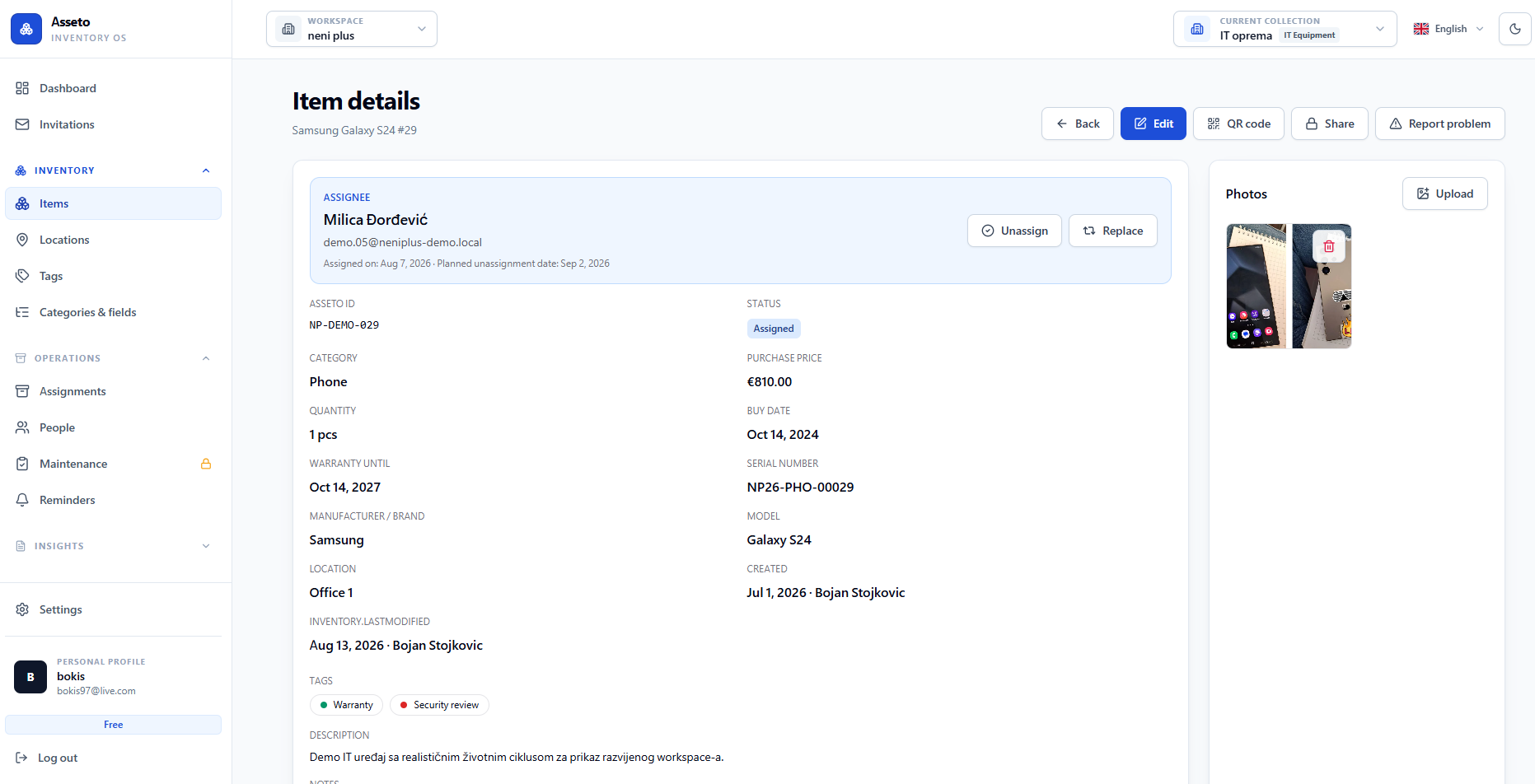
One clear view connects items, quantities, value, status, people, locations, and the full history of change.
Asseto is a smart inventory system for small and midsize companies — structured enough to control equipment, people, and workflows without the weight of a complicated ERP.
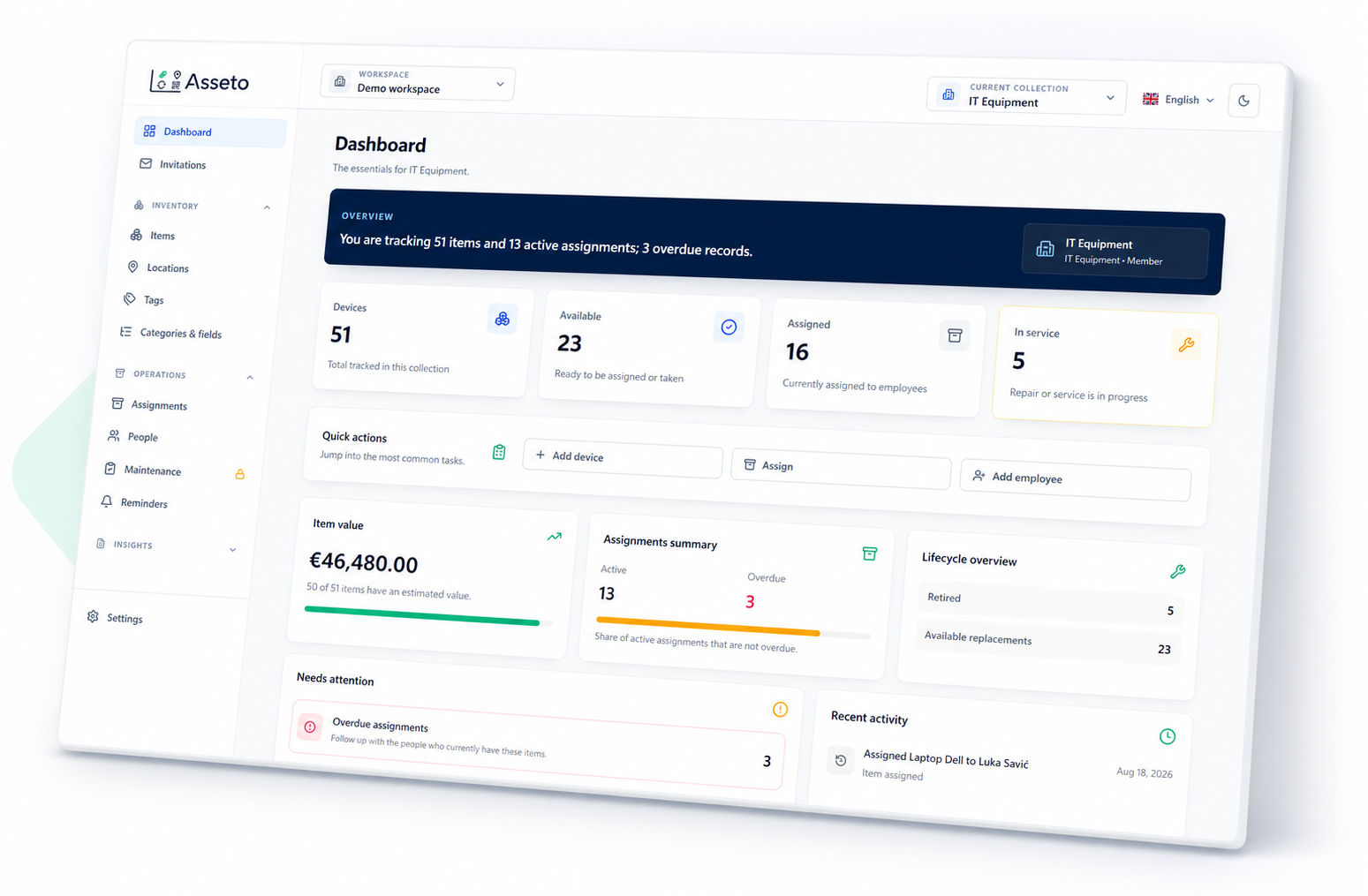
Start with predefined collections and fields for a real inventory use case, then adapt the data and operating flow to fit your team.
One clear view connects items, quantities, value, status, people, locations, and the full history of change.
Predefined fields speed up onboarding, while custom fields capture the information unique to your operation.
IT equipment, tools, consumables, and shared gear can each follow their own statuses, rules, and actions.
Manage equipment and responsible people, invite users, and collaborate in the same up-to-date workspace.
No hidden modules and no consulting project. Your team immediately sees what exists, who has it, where it is, and what needs to happen next.
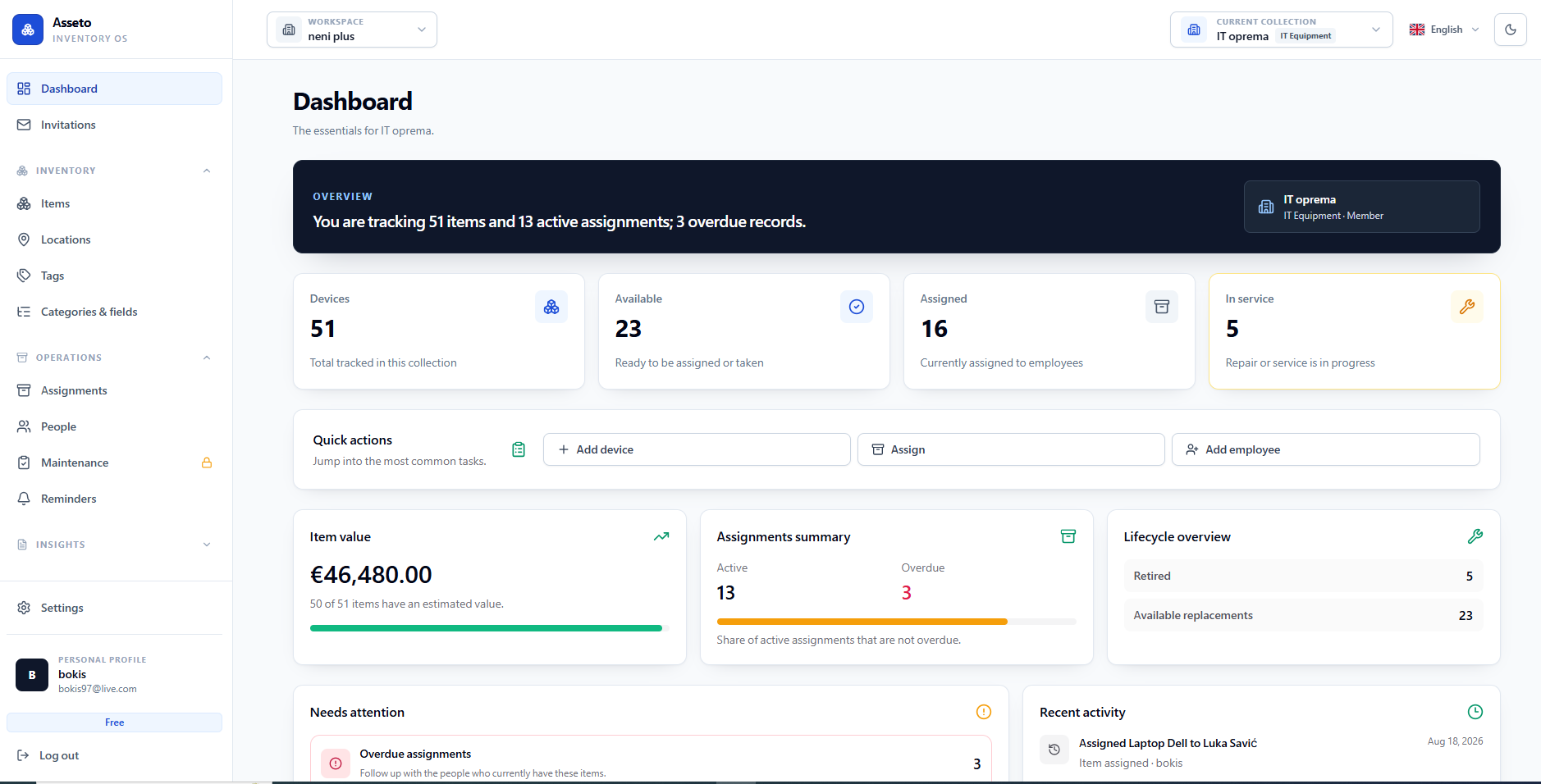
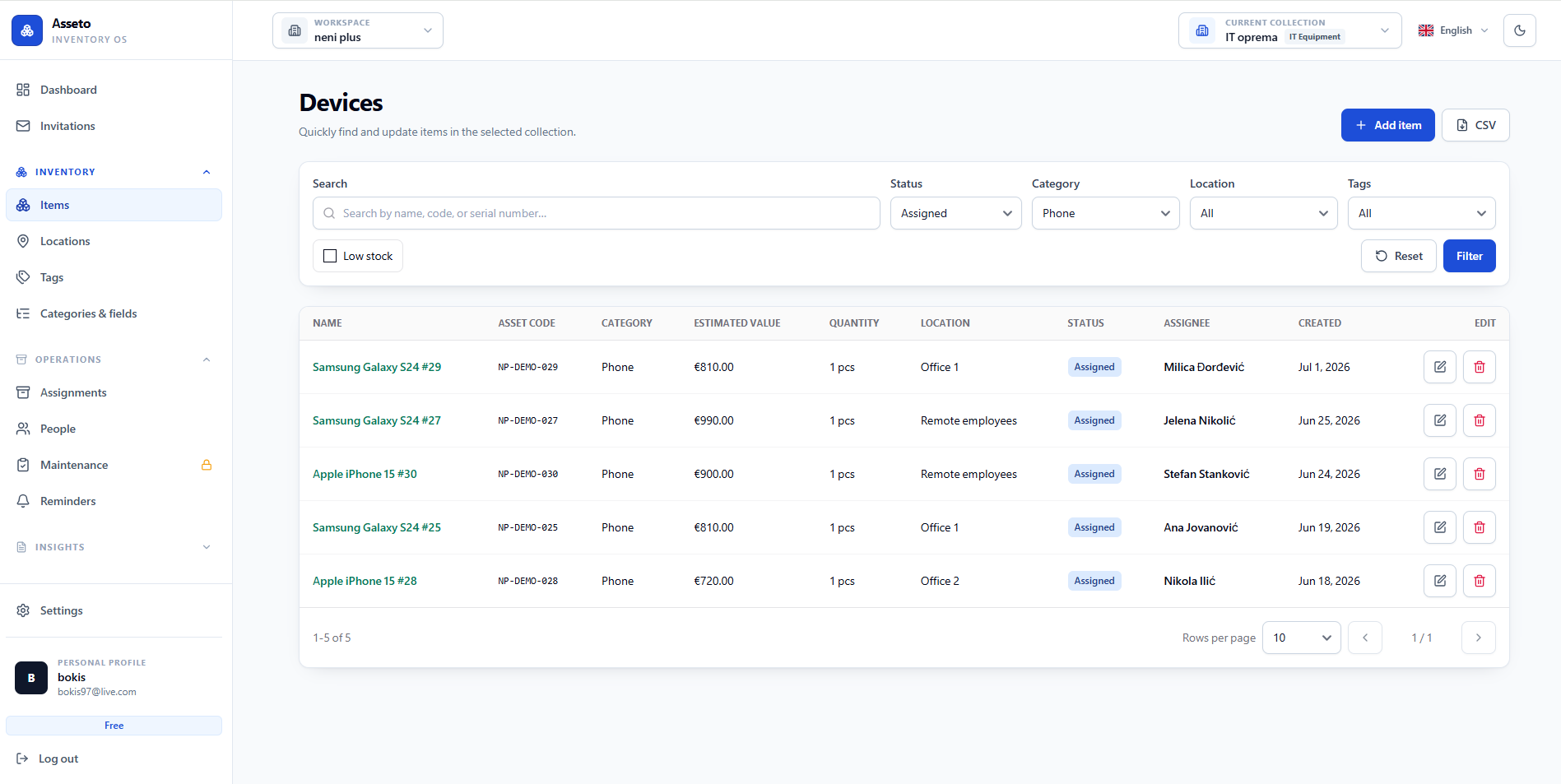
Start with a ready-made model and predefined fields, or create a collection for your specific use case.
A QR code opens the item, while custom tags and custom locations place it in the right business context.
Reminders, email, and in-app notifications cover returns, service, warranties, and everything that needs action.
 Scanning asset tag…
A register stays accurate only if it is maintained where the equipment is — and that is rarely in front of a desk.
Asseto Mobile is a PWA: open m.useasseto.com on the phone and add it to the home screen in two taps. No Play Store, no App Store and no APK file — and inside there is QR scanning, photos, assignments and returns.
See the mobile app →Send every person the list of exactly the equipment assigned to them and get an answer for each item: fine, has a problem, or not with me. A snapshot is taken at the start, so the check still holds up months later.
How equipment checks work →Overdue returns, warranties, service dates, new assignments and check requests arrive in the app, by email and — with the mobile app installed — as a push message. Each member picks their channels, per workspace.
See notifications →Laptops, phones, peripherals, access keys, and remote-work equipment.
Explore solution →M1202Tools, safety equipment, spare parts, and service intervals.
Explore solution →QR03Shared gear, members, checkouts, and return dates.
Explore solution →Start with the data you already have. Asseto makes the next action clear.